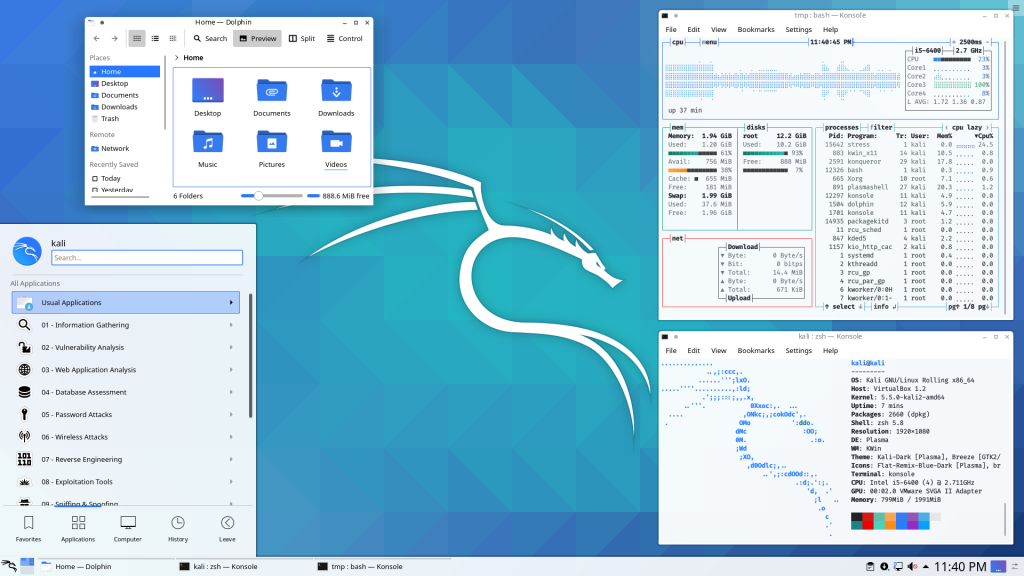
If your idea of a good time involves packet sniffing, brute-forcing passwords, and making network administrators sweat, Kali Linux is your playground. It’s the “Swiss Army Knife” of cybersecurity, packed with enough pre-installed offensive tools to make a script kiddie feel like Neo. Just a heads-up: installing this as your daily driver for Netflix and spreadsheets is like driving a tank to a grocery store—overkill, loud, and technically a bit suspicious.
Kali was born in 2013, rising from the ashes of BackTrack Linux. Developed by the team at Offensive Security (Mati Aharoni and Devon Kearns), it was a complete rebuild of its predecessor. While BackTrack was based on Ubuntu, Kali made the pivot to a Debian-based architecture to provide a more streamlined, professional, and rolling-release foundation for security audits.
In the Linux ecosystem, Kali isn’t just a distribution; it’s a specialized certification lab in a box. It exists for one reason: to find the cracks in the wall before the bad guys do. Whether you’re running it live from a USB or tucked away in a Virtual Machine, Kali is the gold standard for anyone who believes that the best defense is a very well-documented offense.
The Good Stuff
Toolbox Heaven: Over 600 pre-installed tools for pentesting and forensics.
Custom Kernel: Patched for wireless injection right out of the box.
ARM & Mobile: Runs on everything from a Raspberry Pi to an Android phone (NetHunter).
The Reality Check
Not a Daily Driver: It’s optimized for security, not for your Steam library or Zoom calls.
Root by Design: Historically runs as root, which is a massive “no-no” for general security.
The “Stigma”: Using it on a public Wi-Fi is a great way to get a friendly chat with IT.