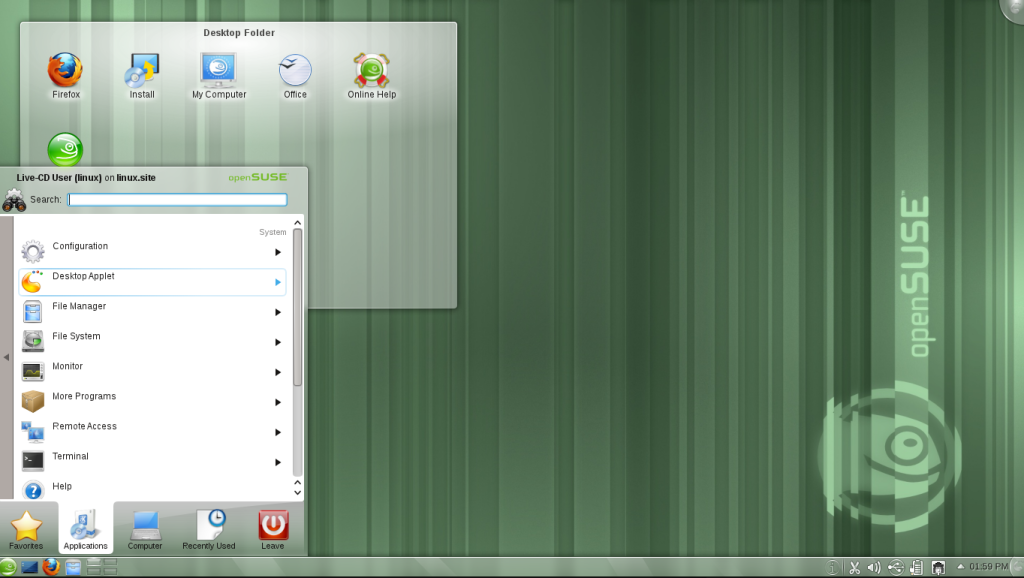
If you want a distribution that feels like it was engineered by people who wear lab coats and carry clipboards, openSUSE is your top pick. It’s the “sensible German engineering” of the Linux world—meticulous, feature-rich, and built with a level of industrial-grade polish that makes other distros look like weekend hobbies. Whether you choose the rock-solid Leap or the rolling-release Tumbleweed, you’re getting a system that doesn’t just work; it performs with a terrifyingly efficient precision.
SUSE was founded in 1992 in Germany (originally as an acronym for “Software and System Development”), making it one of the oldest names in the game. The openSUSE project officially launched in 2005 when Novell decided to open up development to the community, creating a bridge between the wild frontier of open source and the boardroom-ready SUSE Linux Enterprise (SLE).
At the heart of openSUSE is YaST (Yet another Setup Tool), a centralized control center that is arguably the most powerful administrative tool in existence. While other users are hunting for terminal commands to configure a printer or a web server, openSUSE users are clicking through a unified GUI that handles everything from partitioning to firewall rules. It’s the “adult in the room” of Linux distributions—boring enough to trust with your life, but powerful enough to run a data center.
The Good Stuff
YaST & Zypper: The absolute gold standard for system administration and package management.
Btrfs + Snapper: Automatic snapshots mean if an update breaks something, you can roll back the entire OS from the boot menu.
KDE Implementation: Widely considered to have the most polished and “sane” KDE Plasma experience available.
The Reality Check
Package Naming: Some packages have… creative names that might confuse those used to Debian/Ubuntu.
The “Middle Child” Syndrome: It’s sometimes overlooked by developers who prioritize Ubuntu or Fedora.
The Repo Struggle: You’ll almost certainly need to add the “Packman” repository to get your media codecs working.